

Claude's System Prompt Trick Most People Miss
By Brian | System Prompt AI | March 28, 2026
Look, I get it. You opened ChatGPT, typed “write me a blog post,” and got back something that reads like a college freshman who discovered a thesaurus for the first time.
Then you tried Claude. Same vague prompt. Same mediocre output. And now you’re telling people AI is “overhyped.”
No. You’re just using it wrong.
Here’s the thing nobody talks about: the single biggest lever you have with Claude isn’t the model, the temperature setting, or whatever plugin you downloaded last week. It’s the system prompt. And most people either ignore it completely or treat it like a suggestion box at a Denny’s.
“The system prompt is the difference between a tool that wastes your time and one that actually does the damn job.”
What a System Prompt Actually Does
Think of it like this. You hire a contractor to renovate your kitchen. You could say “make it nice.” Or you could say “white shaker cabinets, quartz countertops, brushed gold hardware, under-cabinet lighting, budget under 30K.”
Same contractor. Wildly different kitchens.
A system prompt is your instruction manual for Claude. It runs before every single message. It tells the AI who it is, how it should behave, what format to use, what tone to strike, what to avoid, and what to prioritize.
Without one, you’re basically handing a genius a task with zero context and getting mad when they guess wrong.
Vague Instructions = Vague Output
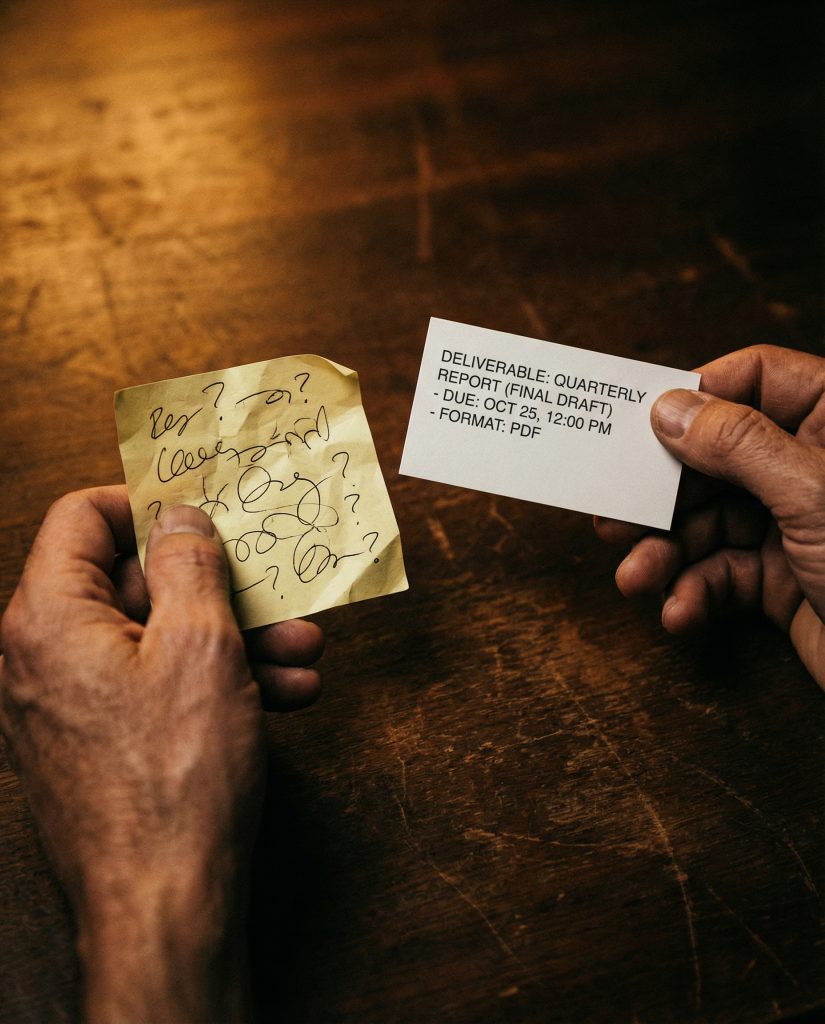
Here’s where people screw this up. They write system prompts like fortune cookies. Vague, aspirational, useless.
“Be helpful and professional.” Cool. So should the AI also breathe oxygen and drink water? That’s not a system prompt. That’s a LinkedIn bio.
A good system prompt is stupidly specific. We’re talking:
1. Role and identity. “You are a senior marketing strategist with 15 years of B2B SaaS experience.”
2. Tone and voice. “Write in a direct, conversational tone. No corporate speak. No filler.”
3. Format rules. “Use short paragraphs. Bold key takeaways. Include examples.”
4. Constraints. “Never use the phrase ‘in today’s fast-paced world.’ Never start with ‘Great question!’ Always lead with the answer.”
The more specific you get, the less you fight with the output. It’s not rocket science. It’s just giving clear instructions to a very capable tool.
This Is the Real AI Divide
Right now there are two kinds of people using AI. The first group types one sentence, gets garbage, and complains on Twitter. The second group spends 20 minutes building a system prompt and then gets 10x output for the next six months.
Guess which group is landing clients, shipping faster, and actually making money with this stuff.
The gap isn’t intelligence. It’s not access. Everyone has the same models. The gap is in the instructions. The people winning with AI aren’t smarter. They just take the setup seriously.
It’s like the difference between someone who reads the manual for their $3,000 camera and someone who leaves it on auto mode forever. Same hardware. Completely different results.
“Everyone has the same models. The gap is in the instructions.”
Try This Right Now
Open Claude. Before you type anything in the chat, write a system prompt that answers these three questions:
1. Who is this AI right now? Give it a role. A senior copywriter. A data analyst. A sarcastic project manager. Whatever fits your task.
2. What are the rules? Tell it what to do and what not to do. Format. Length. Tone. Specific phrases to avoid.
3. What does a win look like? Describe what a great output looks like so the AI has a target.
Three questions. Five minutes. And the difference in output quality will make you feel like you upgraded from a flip phone to a smartphone.
Stop blaming the tool. Start giving it better instructions.
Want Someone to Build This For You?
Book a free 15-minute call. I’ll look at how you’re using AI and show you exactly where a better system prompt would save you hours every week.
Get AI Tips That Actually Work
No fluff. No hype. Just practical AI strategies you can use today. Join the newsletter.