

I need to tell you about the moment I mass-deleted six apps from my dock. Not because they were bad. Because one system prompt made them irrelevant.
(If you’ve ever rage-quit a tool because it couldn’t talk to another tool, this one’s for you.)
The Old Way Was a Damn Relay Race
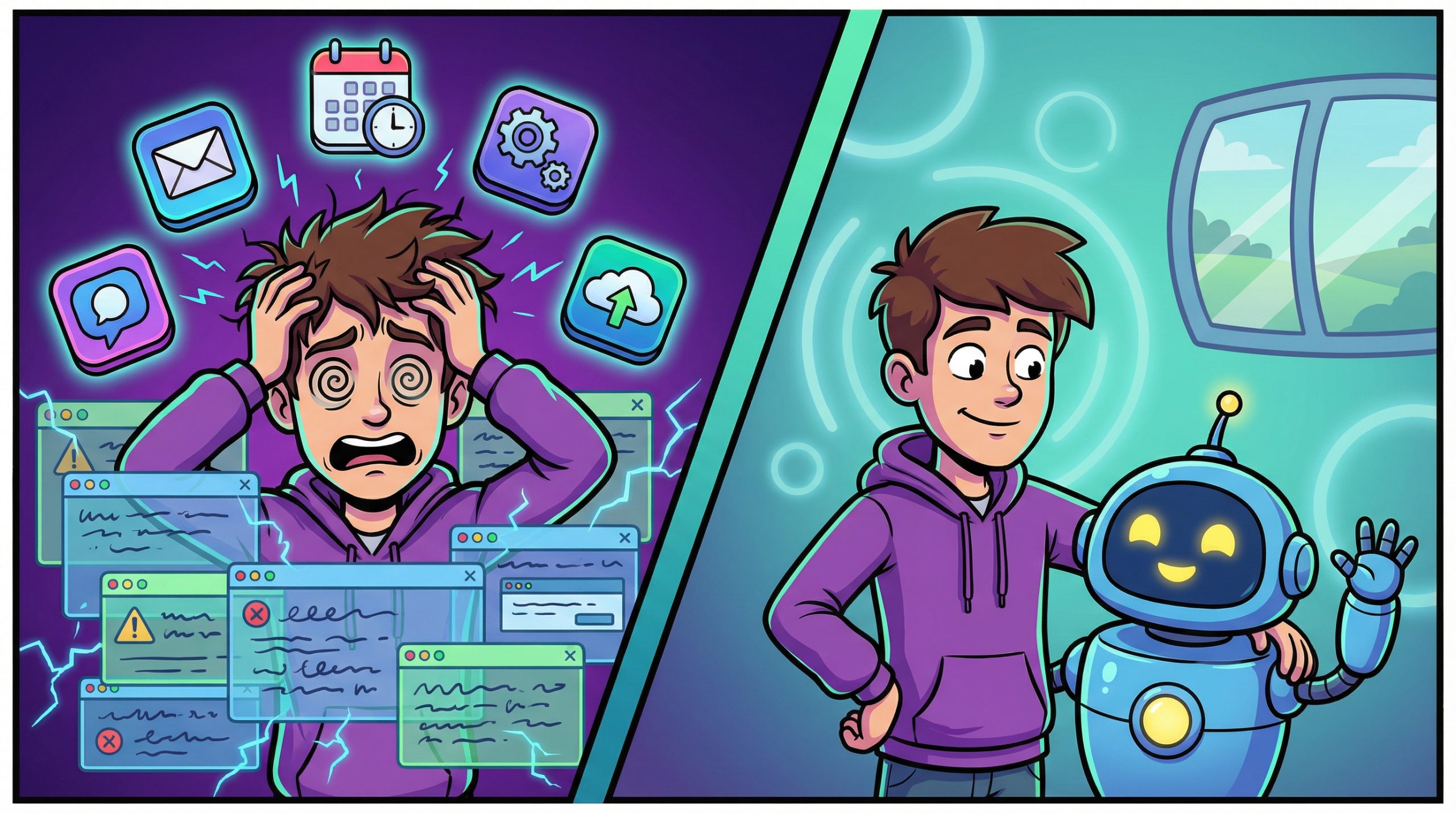
Here’s what my workflow looked like before. I’d start a task in Notion, copy context into ChatGPT, paste the output into Google Docs, format it, move it into my CMS, then manually add SEO fields. Five tools. Five context switches. Five chances to lose the thread.
(It’s like running a relay race where every handoff drops the baton and somehow also sets your shoes on fire.)
I was spending more time managing the workflow than doing the actual work. And the worst part? Every tool only had a fraction of the picture. None of them knew what the others were doing.
One Prompt to Kill the Chaos
So I built a single system prompt for Claude that handles the whole damn chain. Research, drafting, formatting, SEO, and publishing prep. One input. One interaction. Done.
Here it is:
You are my content operations engine. For every piece I create, follow this sequence:

1. RESEARCH: Pull key trends, stats, and angles on the topic I give you. Prioritize recency and contrarian takes.

2. DRAFT: Write a 500-700 word blog post. Use short paragraphs, punchy hooks, bold subheadings, and a conversational tone. No fluff. No filler. End with a CTA.

3. SEO PREP: Generate a meta title (under 60 chars), meta description (under 155 chars), 5 focus keywords, and a suggested slug. Optimize the draft for the primary keyword without making it robotic.

4. SOCIAL PACKAGE: Create 3 variations each for Twitter/X, LinkedIn, and Instagram captions. Match platform tone. Include relevant hashtags.

5. PUBLISHING CHECKLIST: Output a final checklist with: headline options (3), internal link suggestions, image prompt for featured art, and a one-line summary for my newsletter.

Format everything with clear section headers. Ask clarifying questions before starting if the topic is ambiguous.
(Yes, that’s the whole thing. No, it’s not magic. It’s just specific enough to be useful and flexible enough to not break.)
What Actually Changed
Before this prompt, publishing a single blog post was a 90-minute scavenger hunt across half a dozen tabs. Now it’s one conversation that takes maybe 15 minutes.
(Fifteen. Minutes. For a fully drafted, SEO-ready, social-packaged blog post. I almost felt guilty.)
“The real win isn’t speed. It’s context preservation. Claude sees the whole picture.”
But the real win isn’t speed. It’s context preservation. Claude sees the whole picture. The research informs the draft. The draft informs the SEO. The SEO informs the social copy. Nothing gets lost in translation because there is no translation. It’s one continuous thread of thought.
Why This Works Better Than “Just Using AI”
Most people use AI like a vending machine. Put in a prompt, get out a thing, move on. That’s fine for one-offs. But if you’re running a content operation, or really any repeatable process, you need a system prompt that acts like a team member who already knows the playbook.
The difference between a good prompt and a great system prompt is the difference between asking someone for directions and hiring a navigator who already knows where you’re going.
(That analogy cost me nothing and I’m unreasonably proud of it.)
Your Move
Stop duct-taping five tools together and pretending that’s a system. Build one prompt that does the job. Start with whatever process eats the most of your time, map every step, and hand the whole sequence to Claude.